Alolo Chat
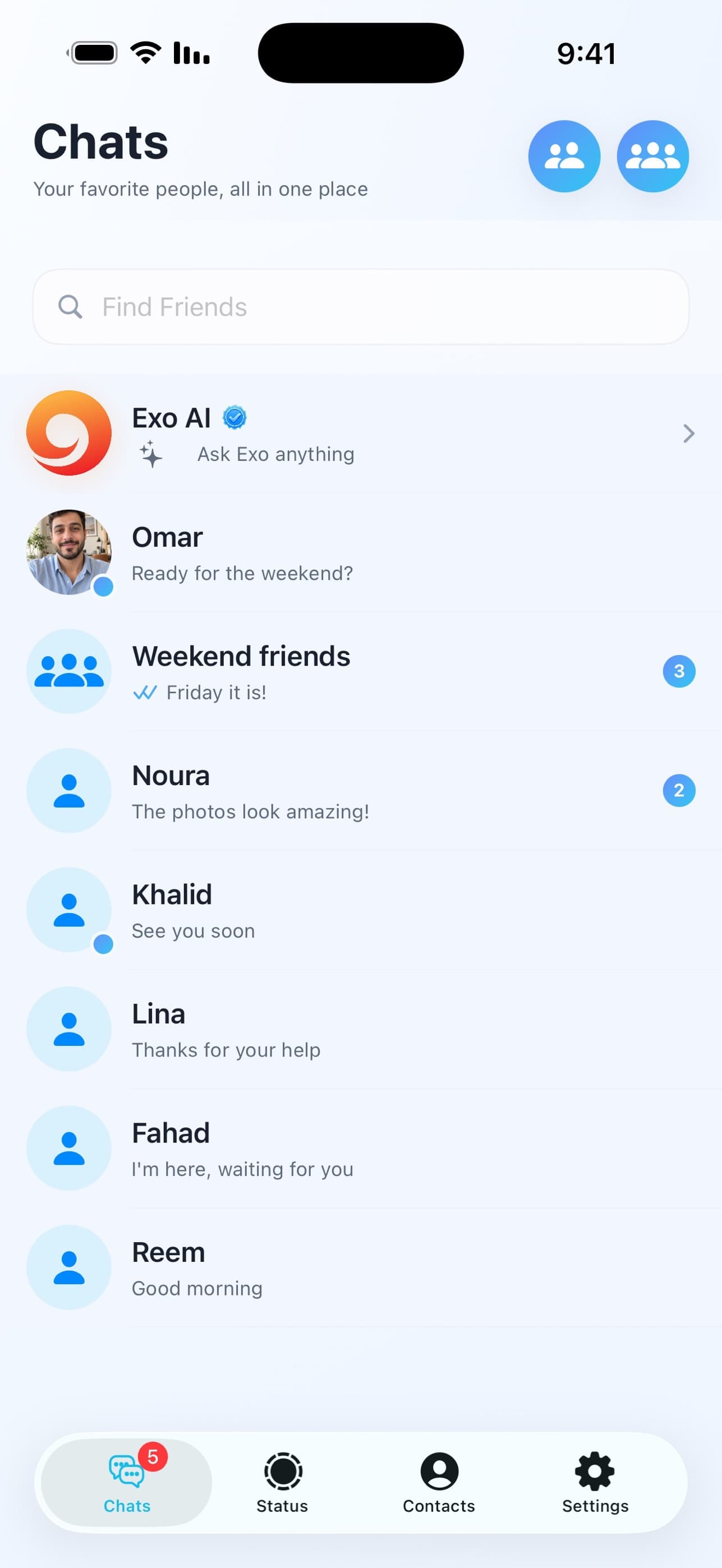
Messages and groups
Send messages, share photos and files, and bring friends together in a group.
From the first message to the last call. Everyday ways to stay close to the people who matter.
Send messages, share photos and files, and bring friends together in a group.
Hear their voice. See their face. Make voice and video calls from Alolo Chat on your phone.
Link a browser with QR, type from your computer, and search conversations and loaded messages.
Manage your presence, notifications and linked devices, with encryption between compatible versions.
Post status updates in the app and bring your friends into the little moments of your day.
Choose your language, with layouts that follow your writing direction on mobile and desktop.
Thoughtful details make communication clearer, from opening a chat to managing your linked devices.
Common tasks stay one or two taps away, while the interface avoids noisy controls that distract from the conversation.
QR linking, session persistence, logout, and privacy explanations are presented in plain language instead of buried settings.
The website, web app, and mobile app share the same visual language so users immediately recognize they are in the official product.
Messages, groups, moments and calls. Explore Alolo Chat through its official App Store screenshots.